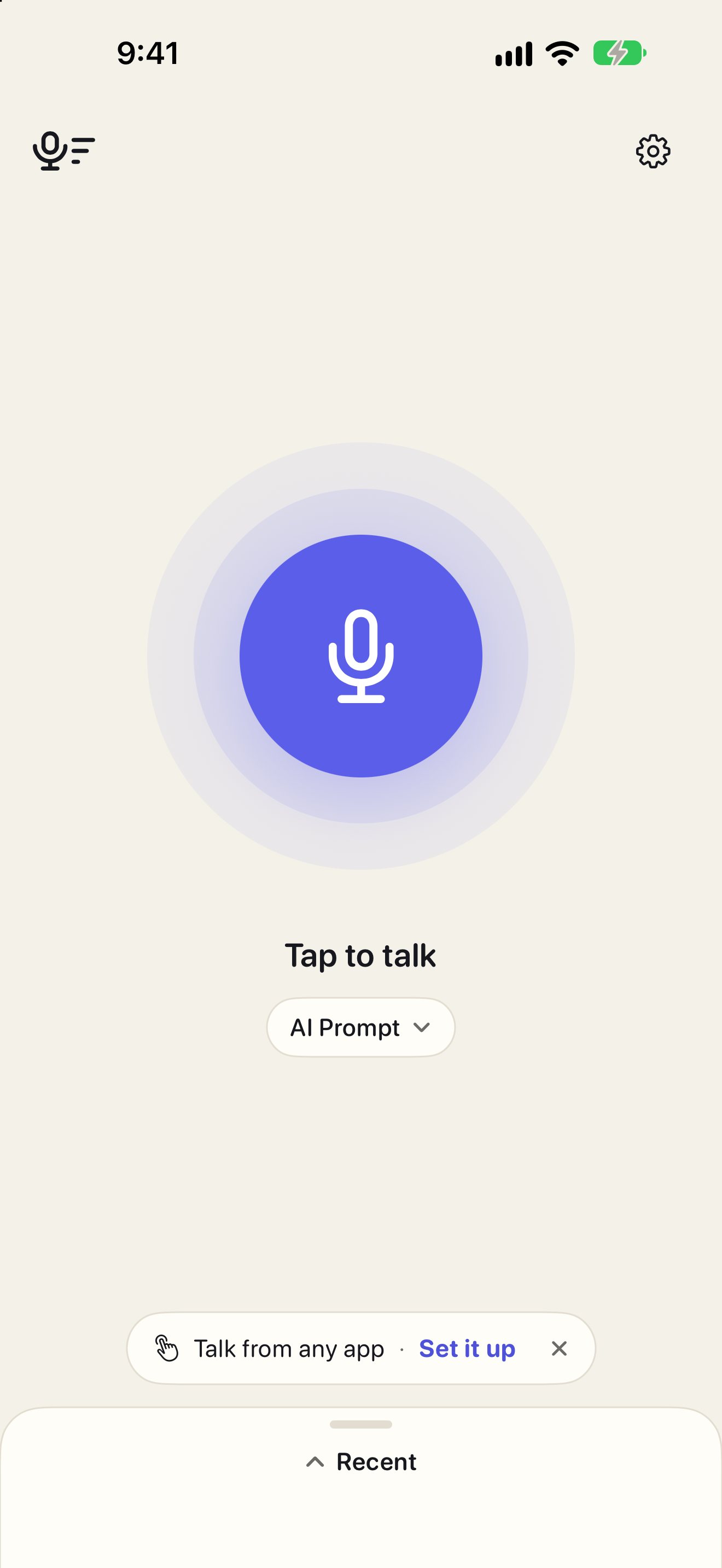
Voice Flow
Dictation on my own Mac, built in one day.
See Voice Flow
The story behind the Flow apps
I’m Hans. This is how a teacher ended up making apps.
I’ve been a teacher for over 20 years, in classrooms and in the district office.
I’m not a programmer.
But I notice what gets in my way. And now I can fix it.
Every Flow app began as a problem in my own day.
Voice Flow
Dictation on my own Mac, built in one day.
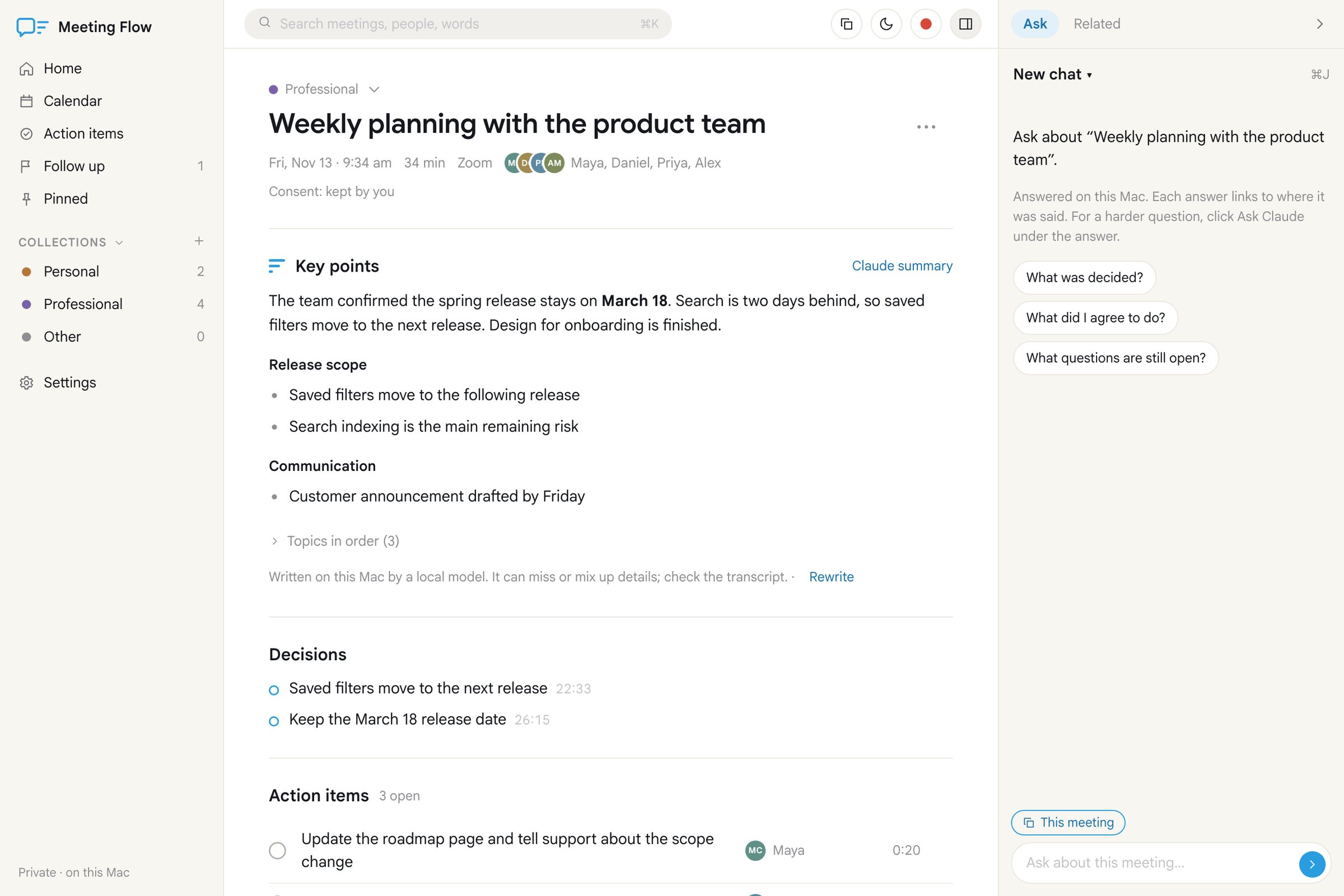
See Voice FlowMeeting Flow
Meeting notes made on my own devices, not someone else’s servers.
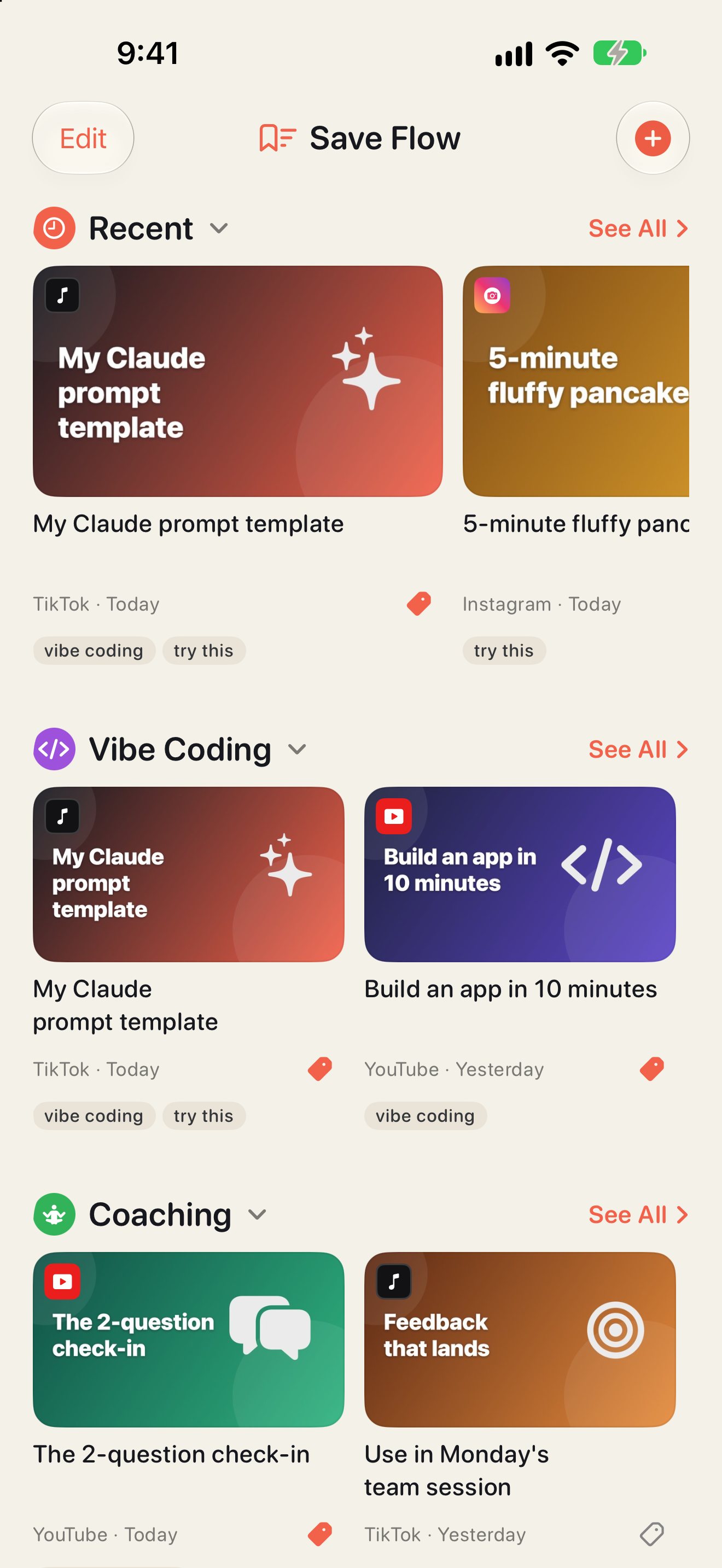
See Meeting FlowSave Flow
Every saved video in one place, found in seconds.
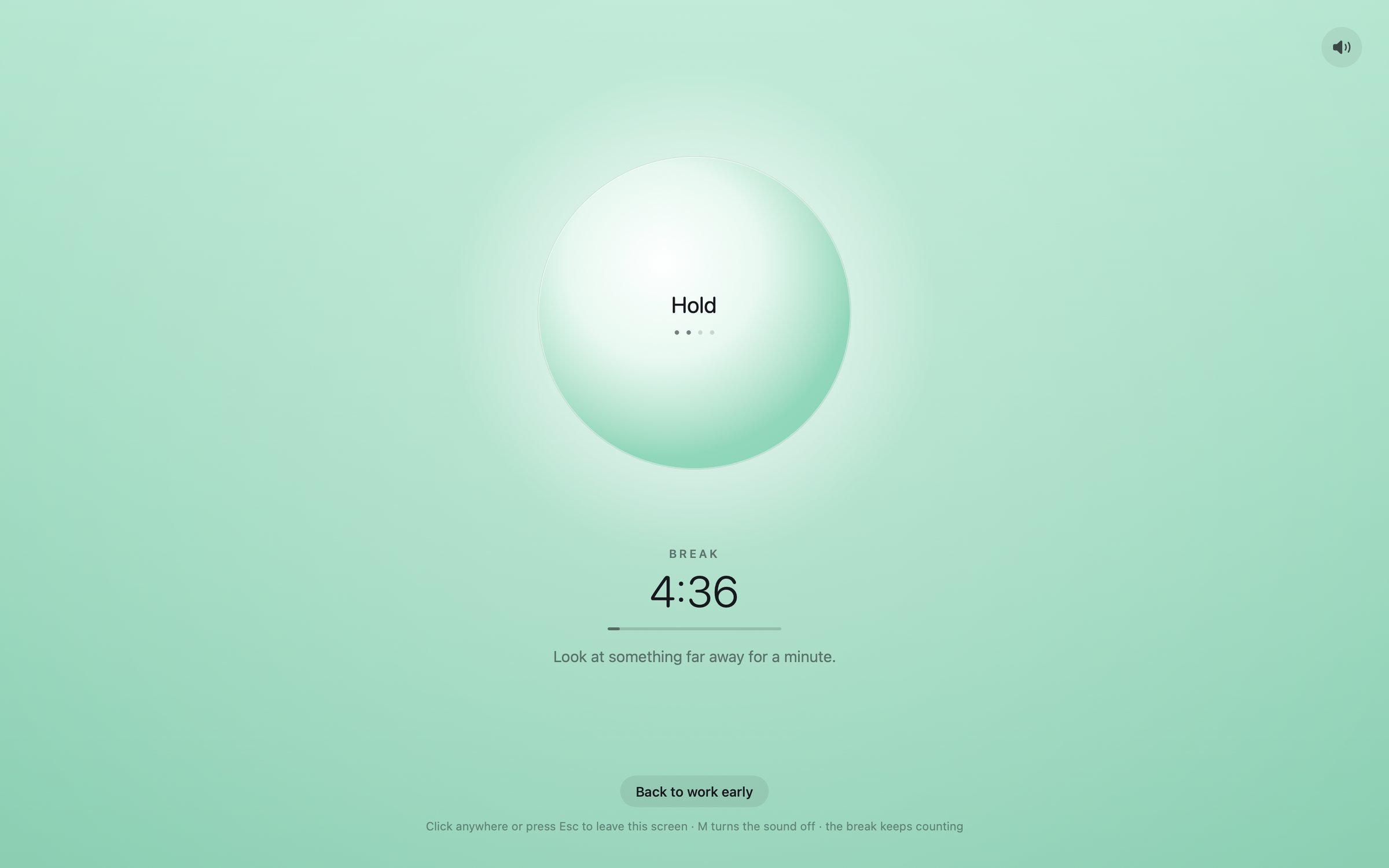
See Save FlowFocus Flow
A countdown I can see, and a break that gets me to breathe.
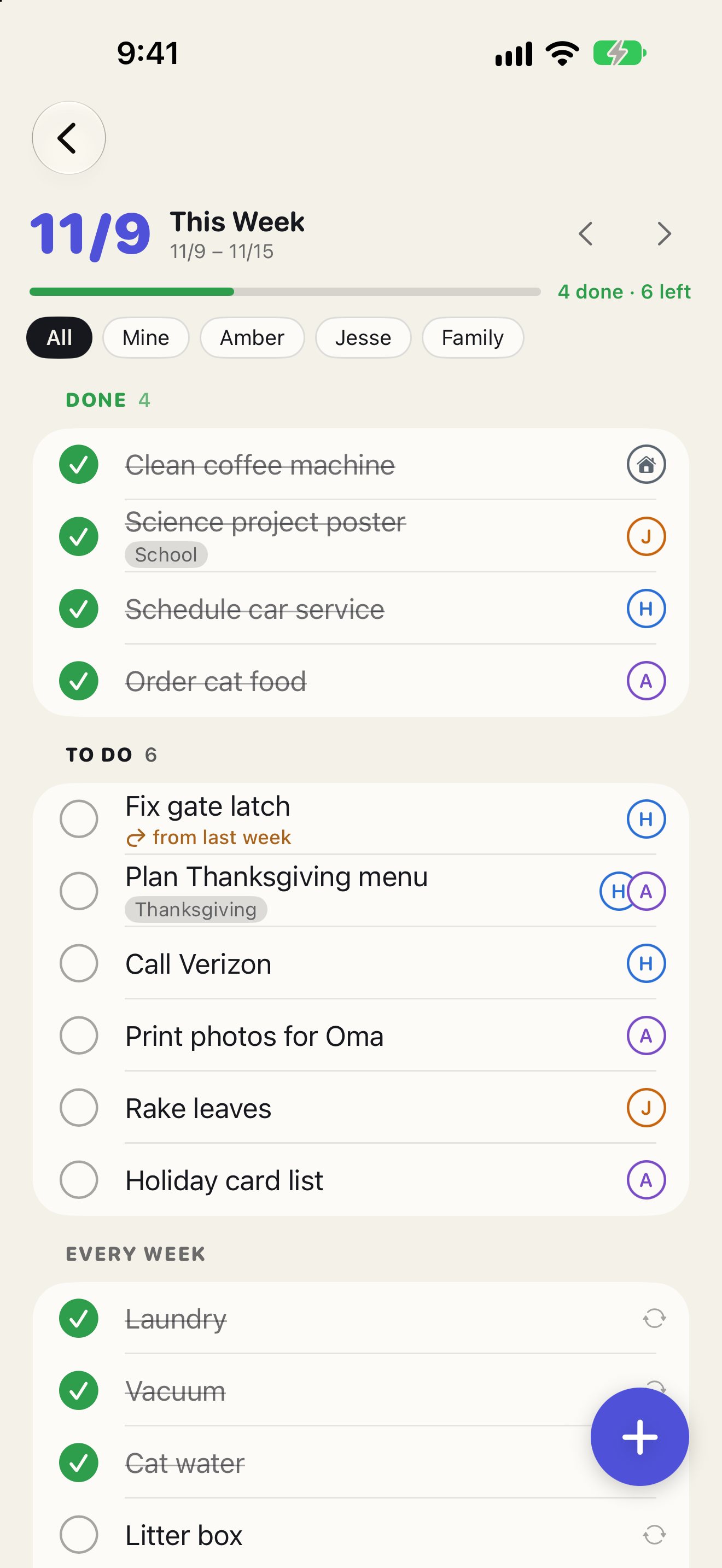
See Focus FlowHome Flow
Our paper week plan, on every phone. It has to beat paper.
See Home Flow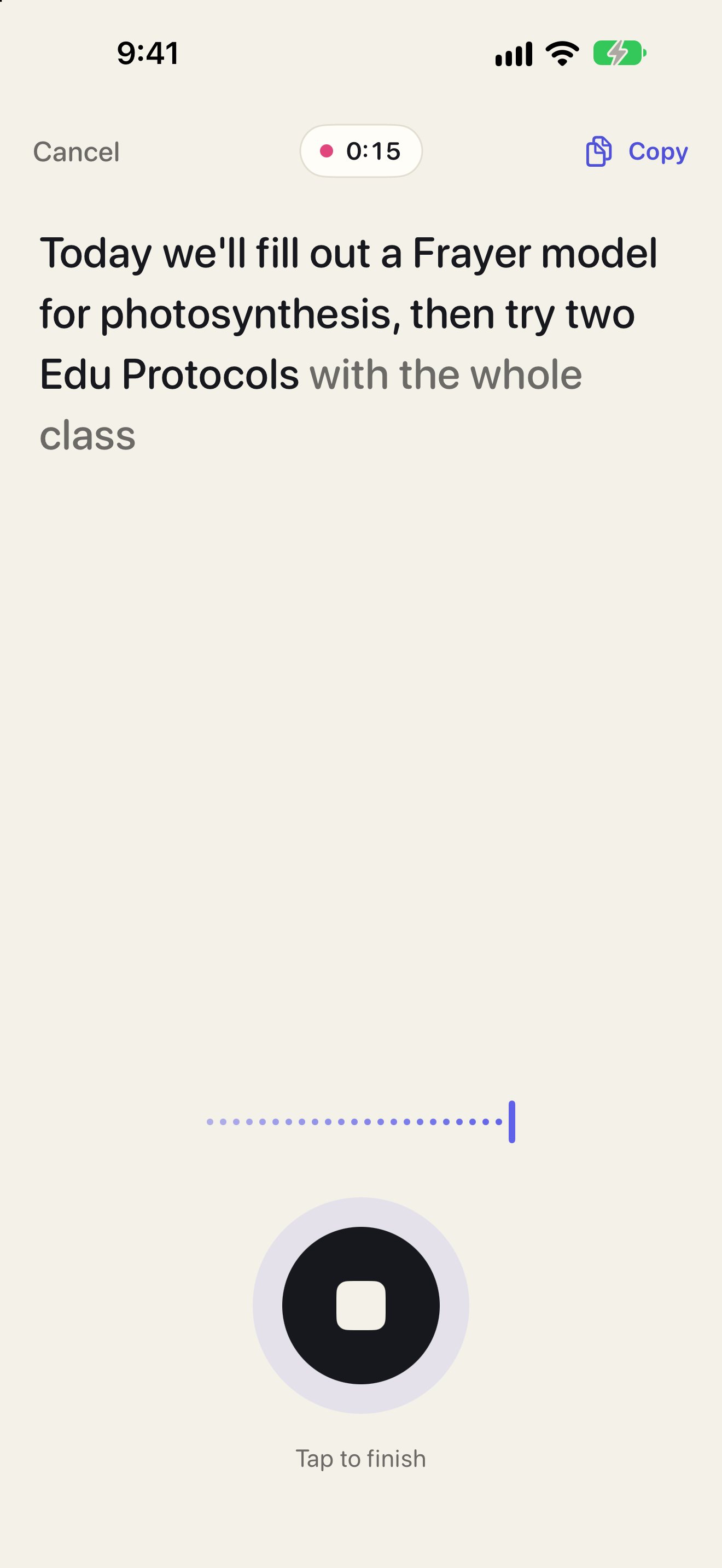
Five apps. Four websites. And a few tools I use at work every week.
Built the same way: I describe what I need, and AI helps me make it.
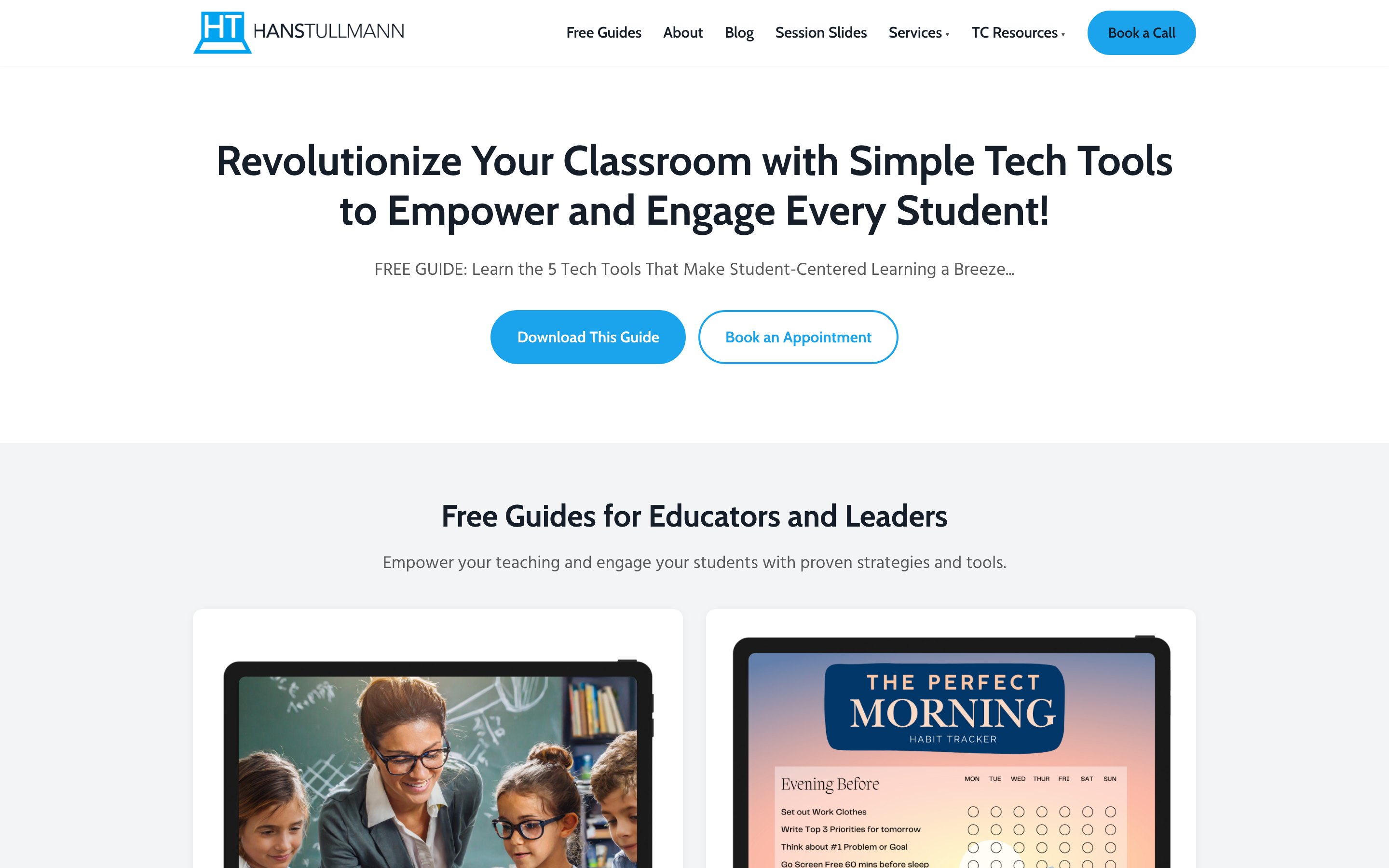
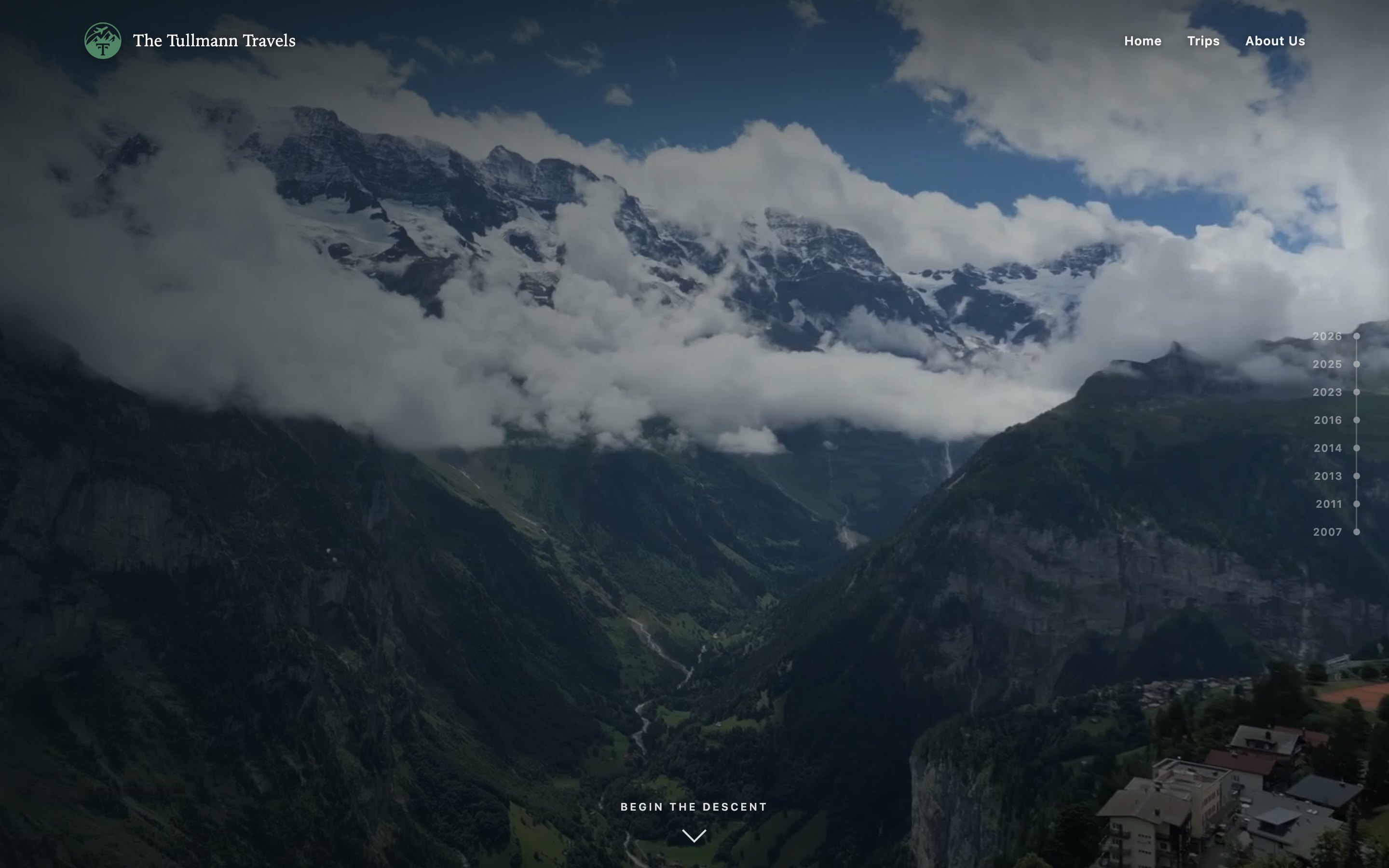
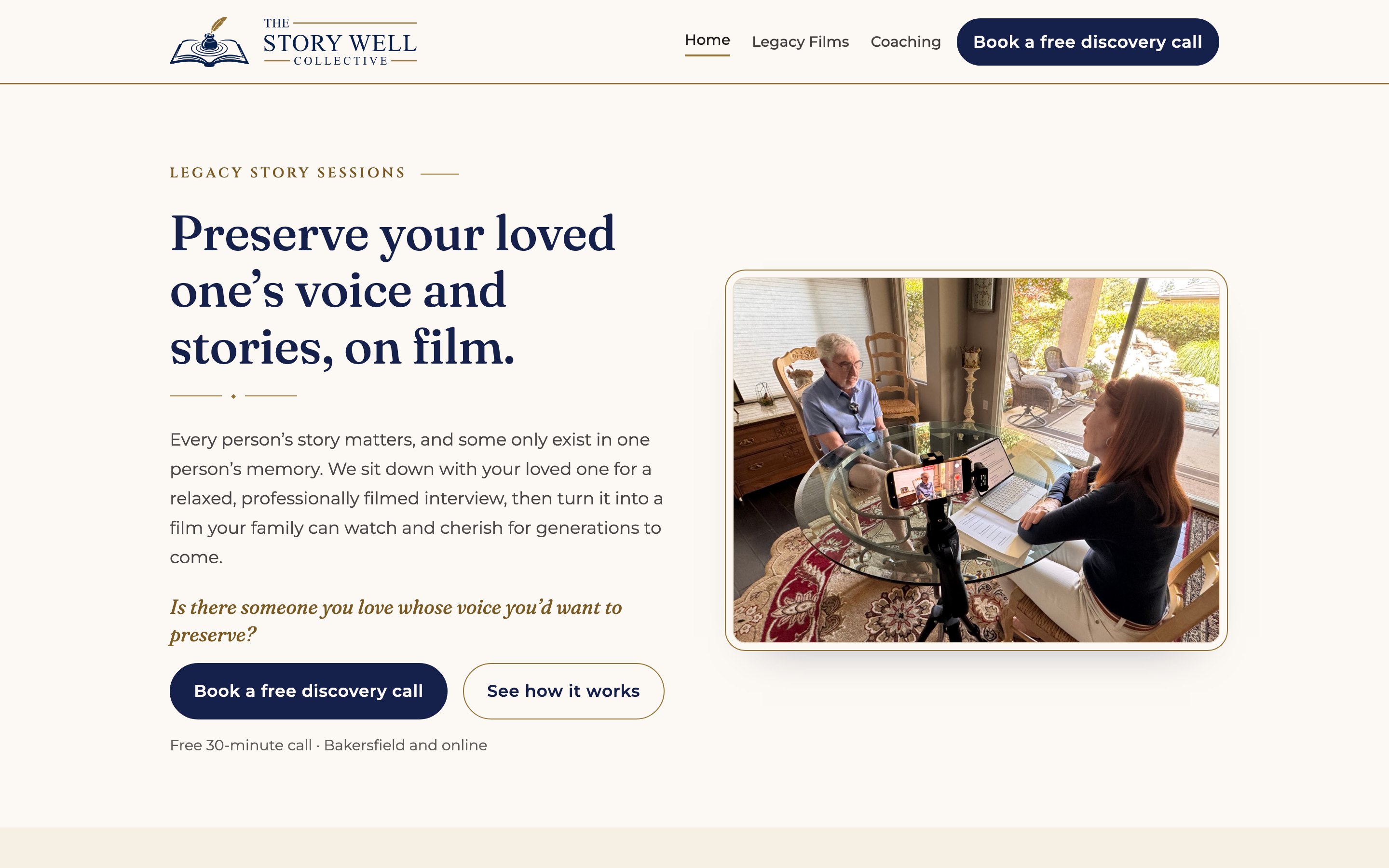
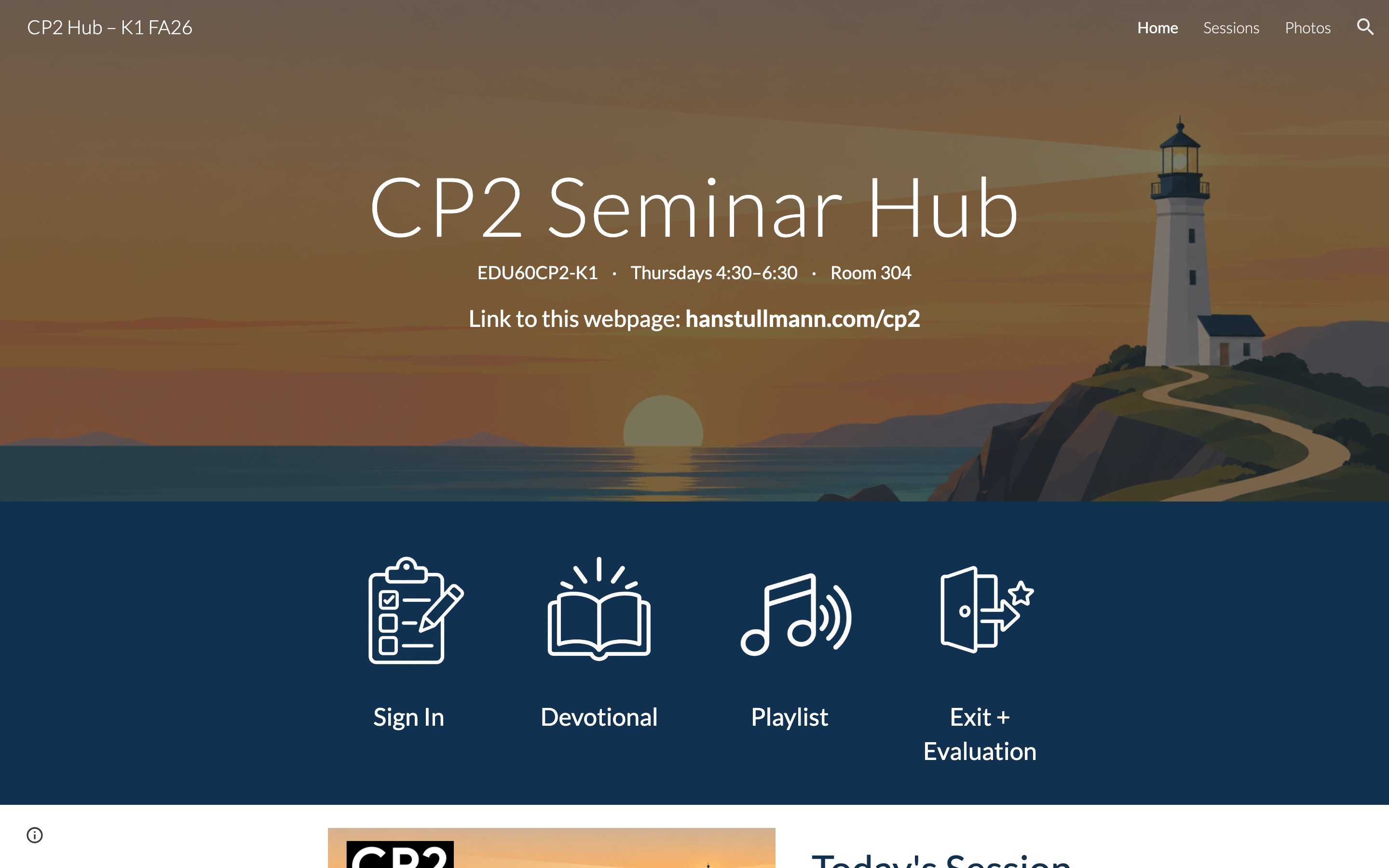
People call it vibe coding. I don’t write the code. I bring the problem.
Something gets in my way more than once.
I describe the problem in plain words, the way I’d explain it to a friend.
AI writes the code. I try it on my own phone and Mac, and say what’s wrong.
I use it every day. Whatever still bugs me becomes the next fix.
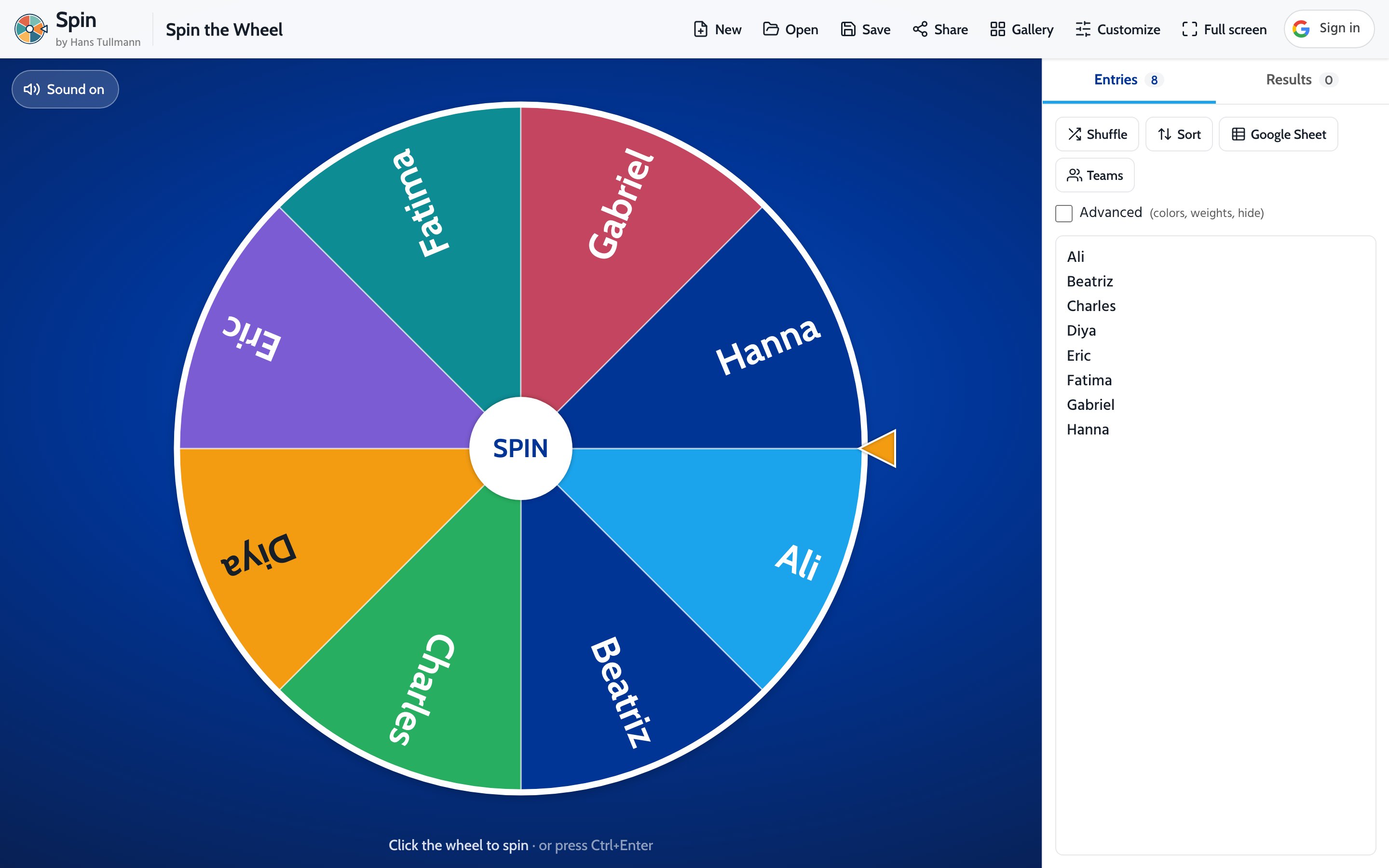
Spin: a name wheel I use in every workshop.
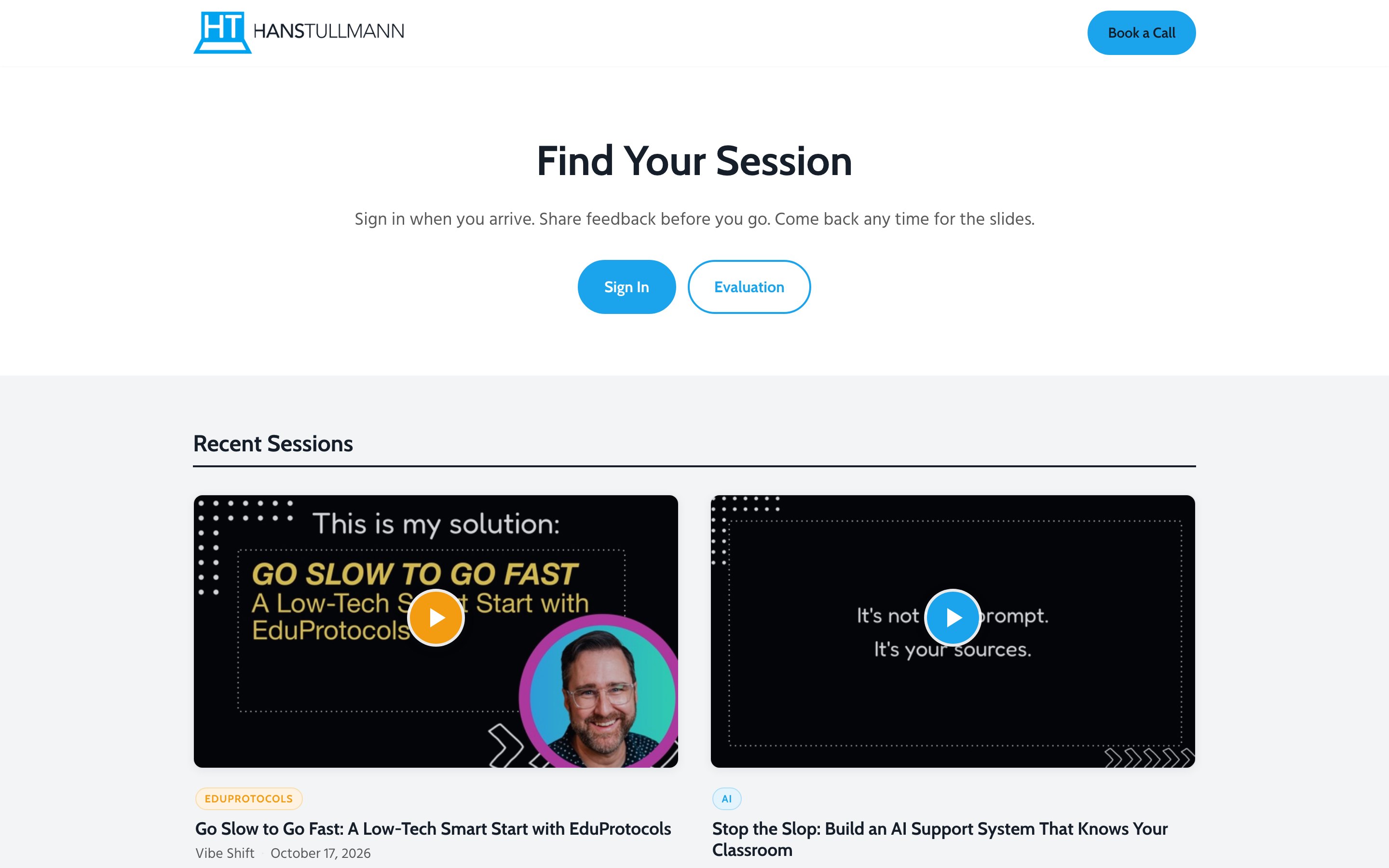
A slides hub where teachers find my sessions.
A website for The Story Well’s legacy films.
If you lead a school, a district or a small business and something keeps getting in the way, I’d love to hear about it.