





Meeting Flow
Meetings, remembered.
Mac version 0.2.0 · Apple silicon, macOS 14.2 or later
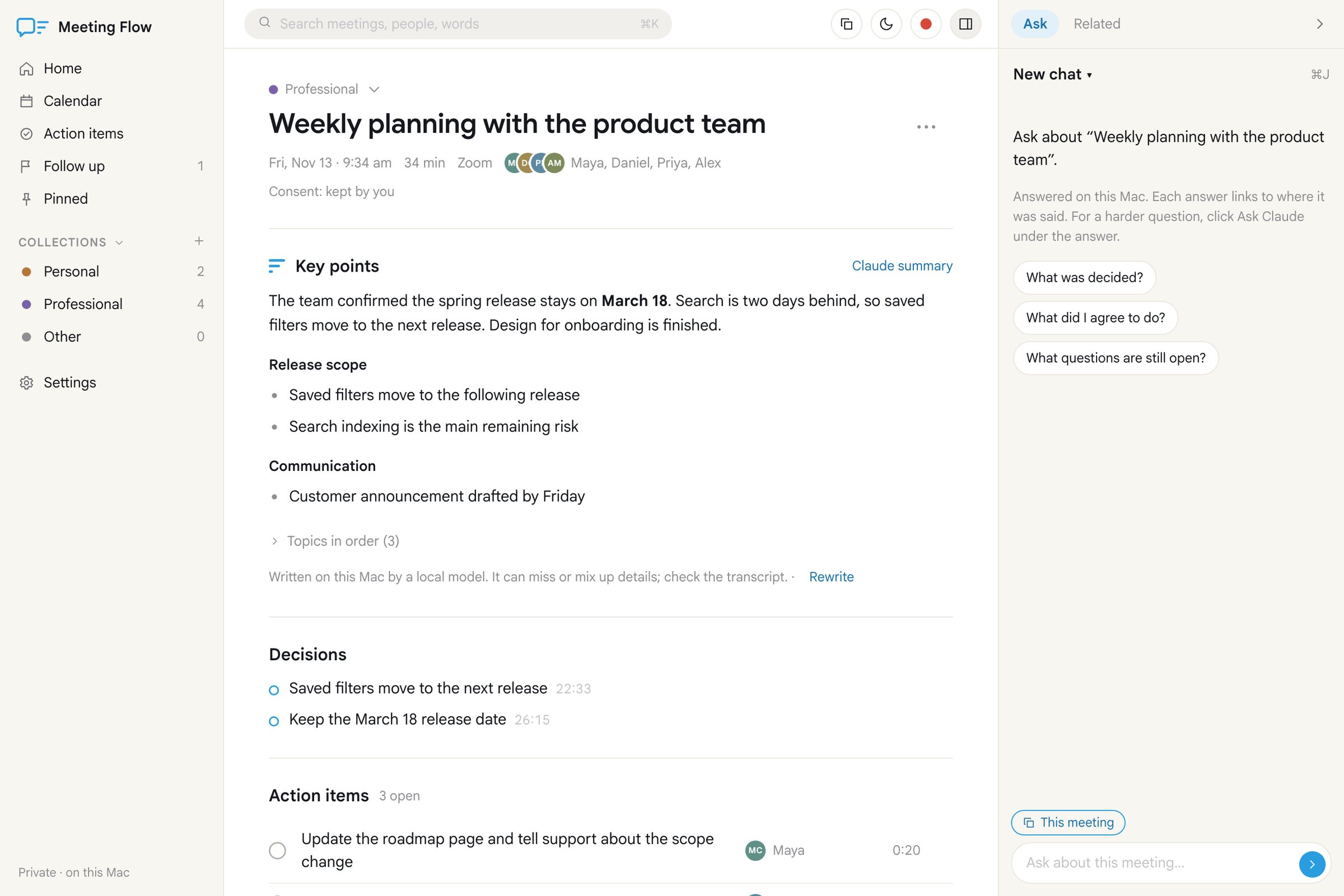
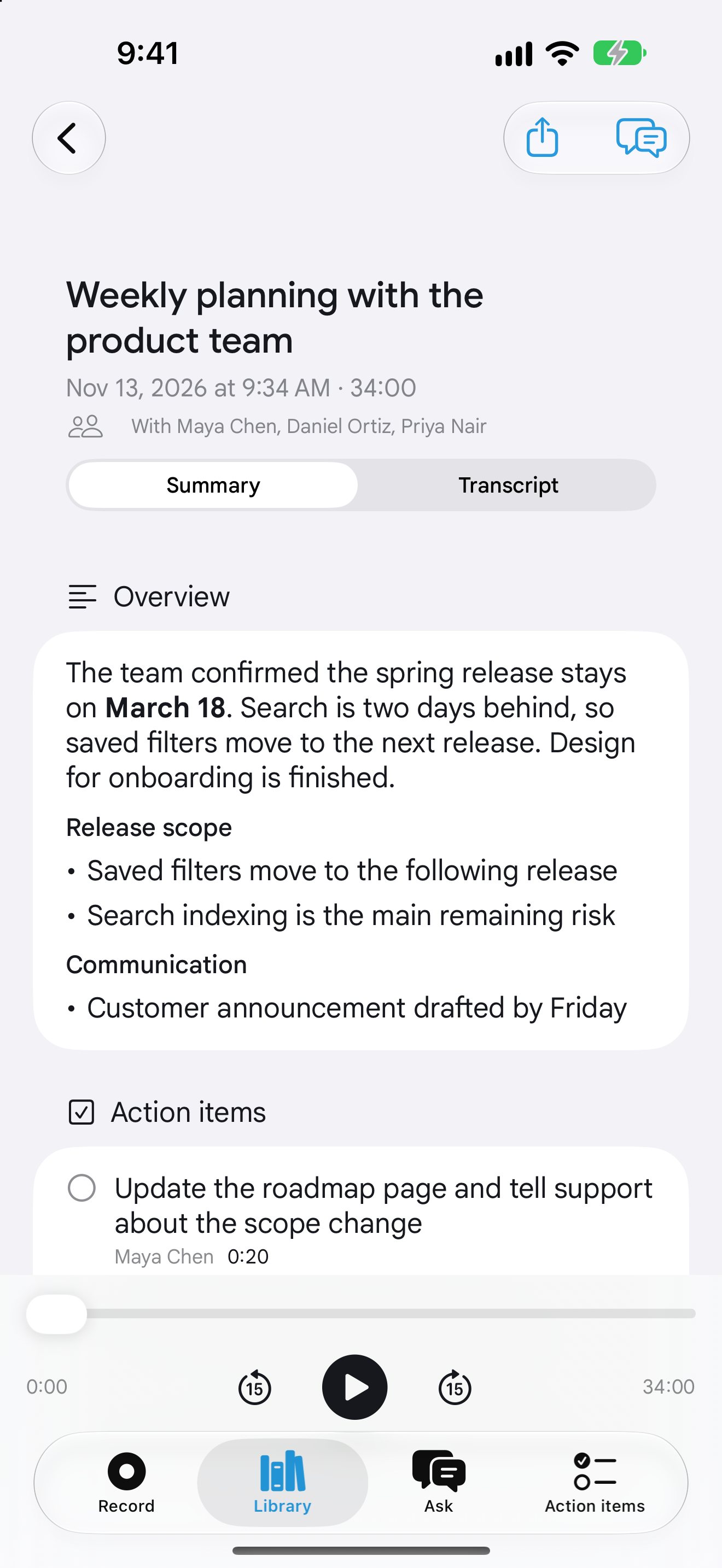
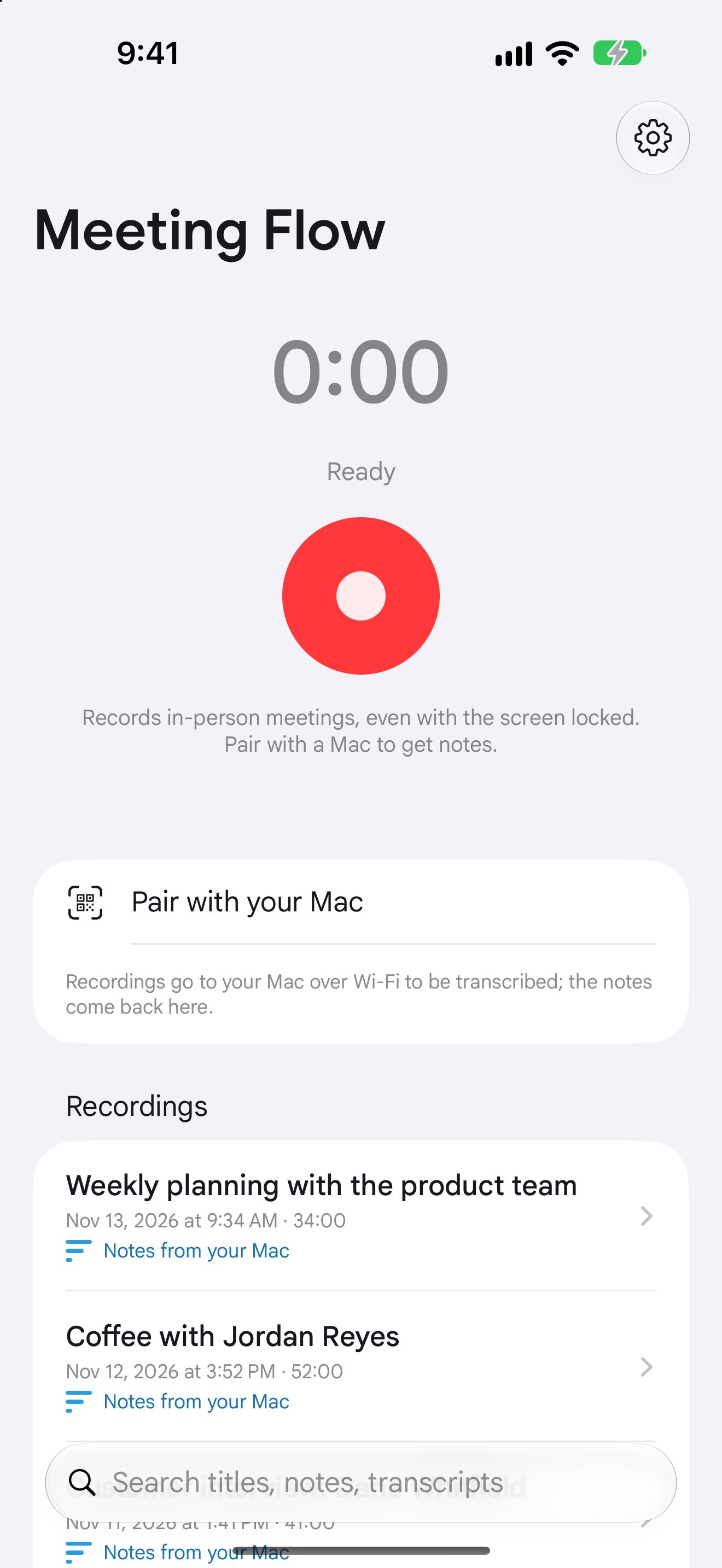
Record a meeting. Get the notes, made on your own Mac or iPhone.
- Full transcripts.
- Clear decisions.
- No cloud.
Get the highlights.
-
Record anywhere.
In the room on your iPhone, even with the screen locked. Zoom, Meet or Teams calls from your Mac’s menu bar.
-
The short version.
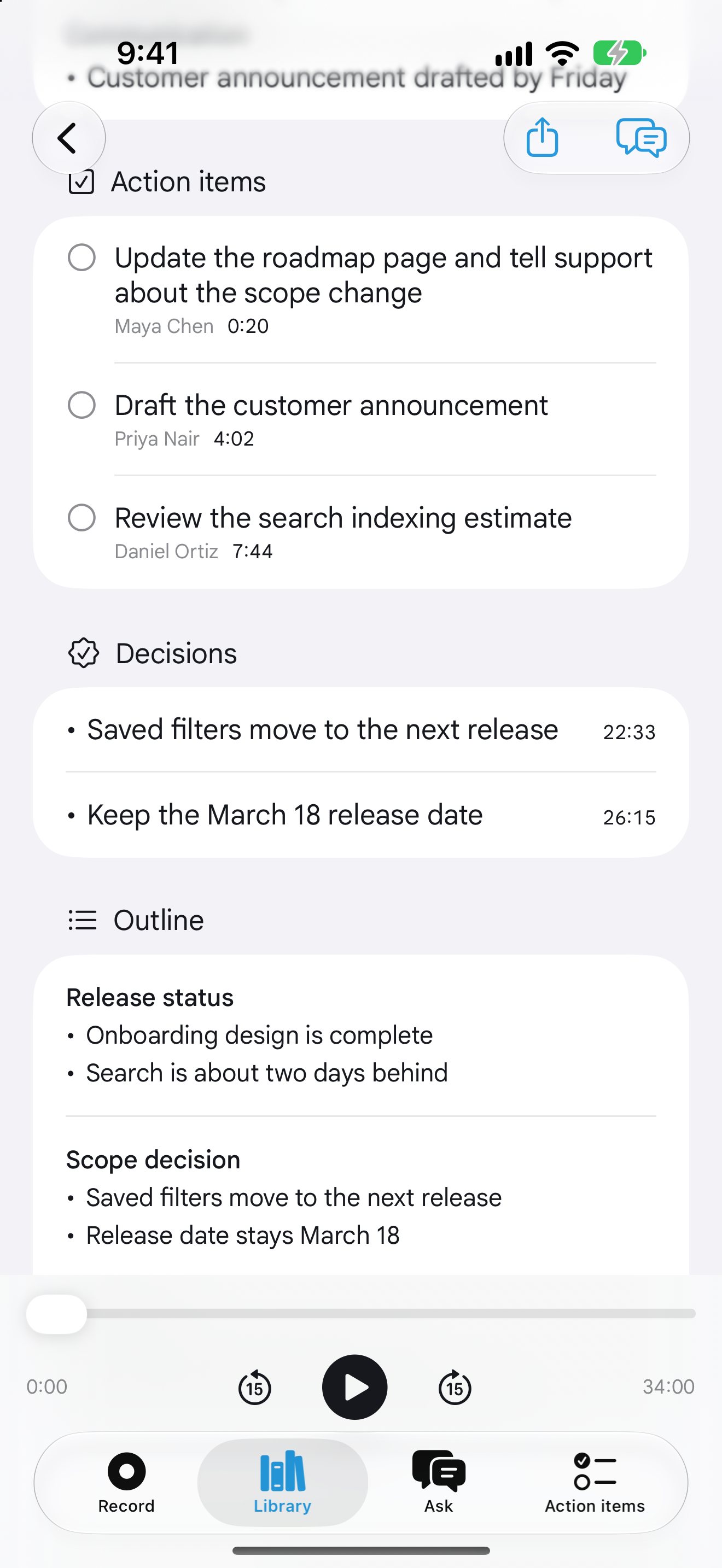
Key points, decisions and action items, written for you after every meeting.
-
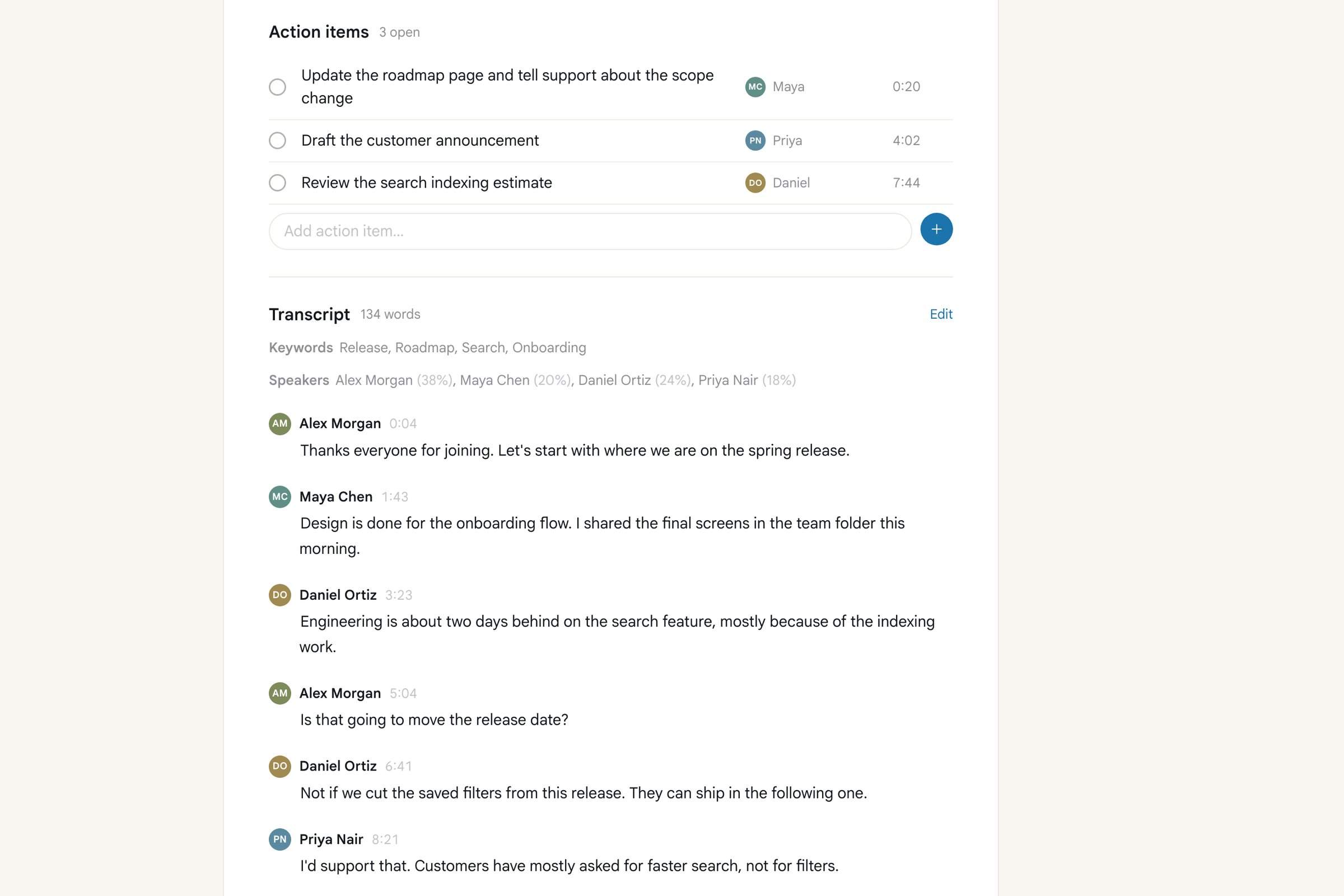
Who does what.
Action items with the person who said they’d do it, plus the decisions you made.
-
Names, not numbers.
Your calendar names each recording and offers the guests as speaker names.
-
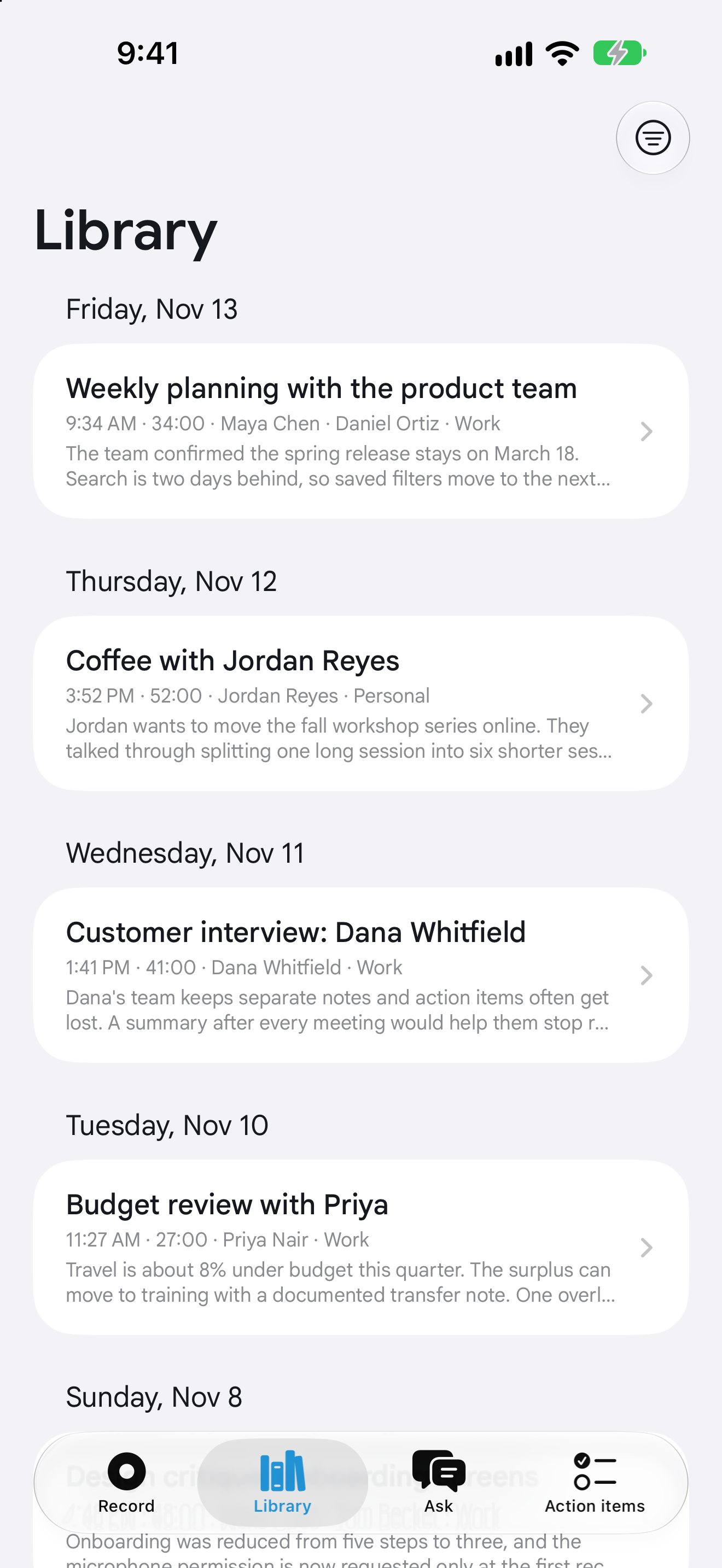
Find it later.
A searchable library of every meeting, with click-to-play transcripts.
-
Record fairly.
Meeting Flow gives you a short line to read aloud, so everyone knows they’re being recorded.
06
Works on iPhone
and Mac.
Pair them once with a code, and the Mac adds speaker names and fuller notes, over your own Wi-Fi.
iPhone
Records in the room, even locked. On iOS 26 it makes the transcript and summary on the phone itself.
Mac
Records in-person meetings and online calls from the menu bar, then writes the notes.
Please record fairly.
Tell people you’re recording and make sure they’re okay with it. Meeting Flow shows a short line you can read aloud at the start. Recording laws differ from place to place, and some require everyone’s consent.
Privacy
Your meetings stay yours.
- Recordings, transcripts and notes stay on your own Mac and iPhone.
- Transcripts and summaries are made on the device, with no cloud service.
- Paired, the phone sends recordings only to your own Mac, over your Wi-Fi.
- No account, no ads, no tracking, no analytics.
Try the beta.
iPhone
Install TestFlight from the App Store first, then tap the button on your iPhone. The iPhone app works on its own; a Mac is optional.
Mac
Version 0.2.0 · Apple silicon, macOS 14.2 or later. Download, unzip, and drag Meeting Flow to your Applications folder. It updates itself.
Need help? See Meeting Flow support or email hans@hanstullmann.com.