

Focus Flow
Focus. Breathe.
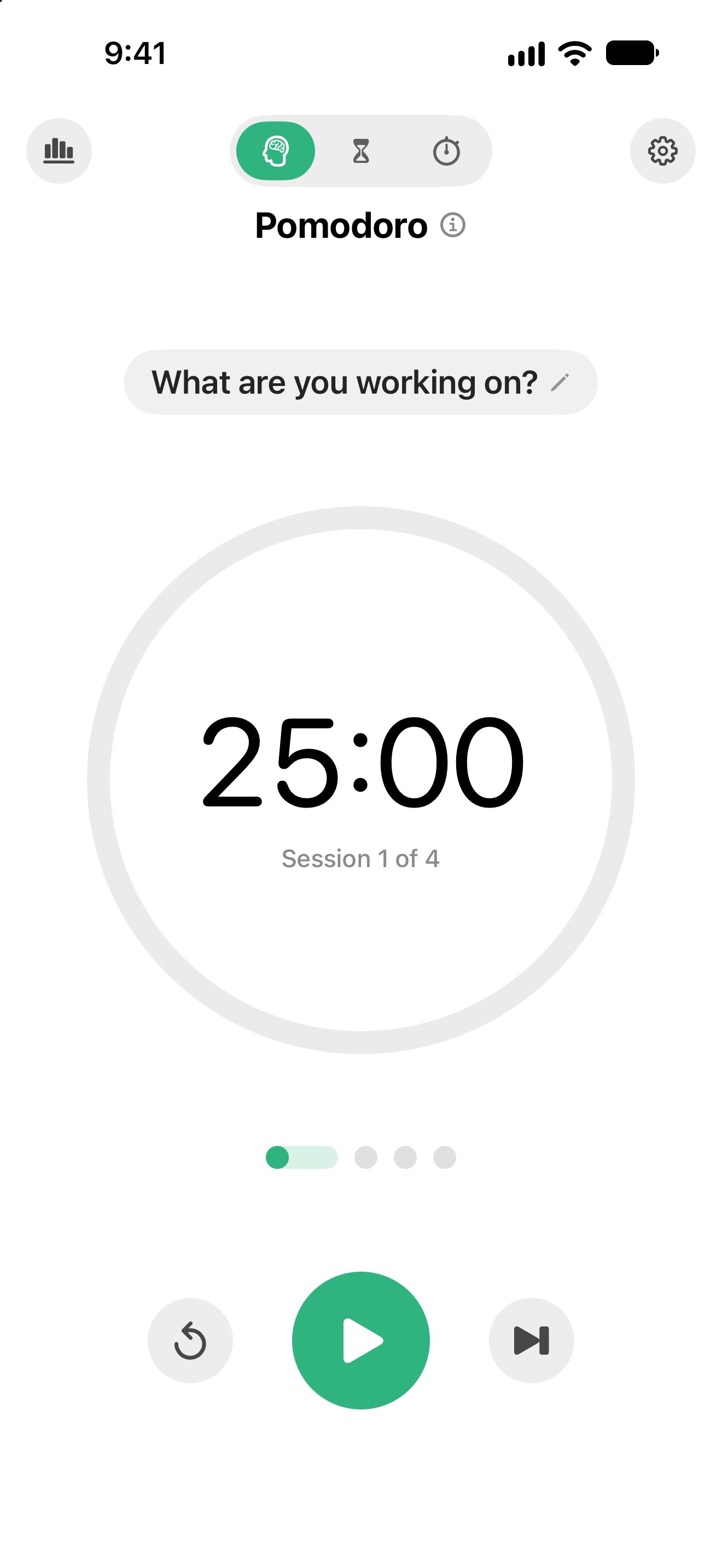
Work in focused stretches. Then really rest.
- Countdown visible.
- Calm breaks.
- Slow breathing.
Get the highlights.
-
Start the clock.
A countdown in the menu bar on the Mac. On the iPhone, tap the numbers to start and drag them to change the time.
-
Take the break.
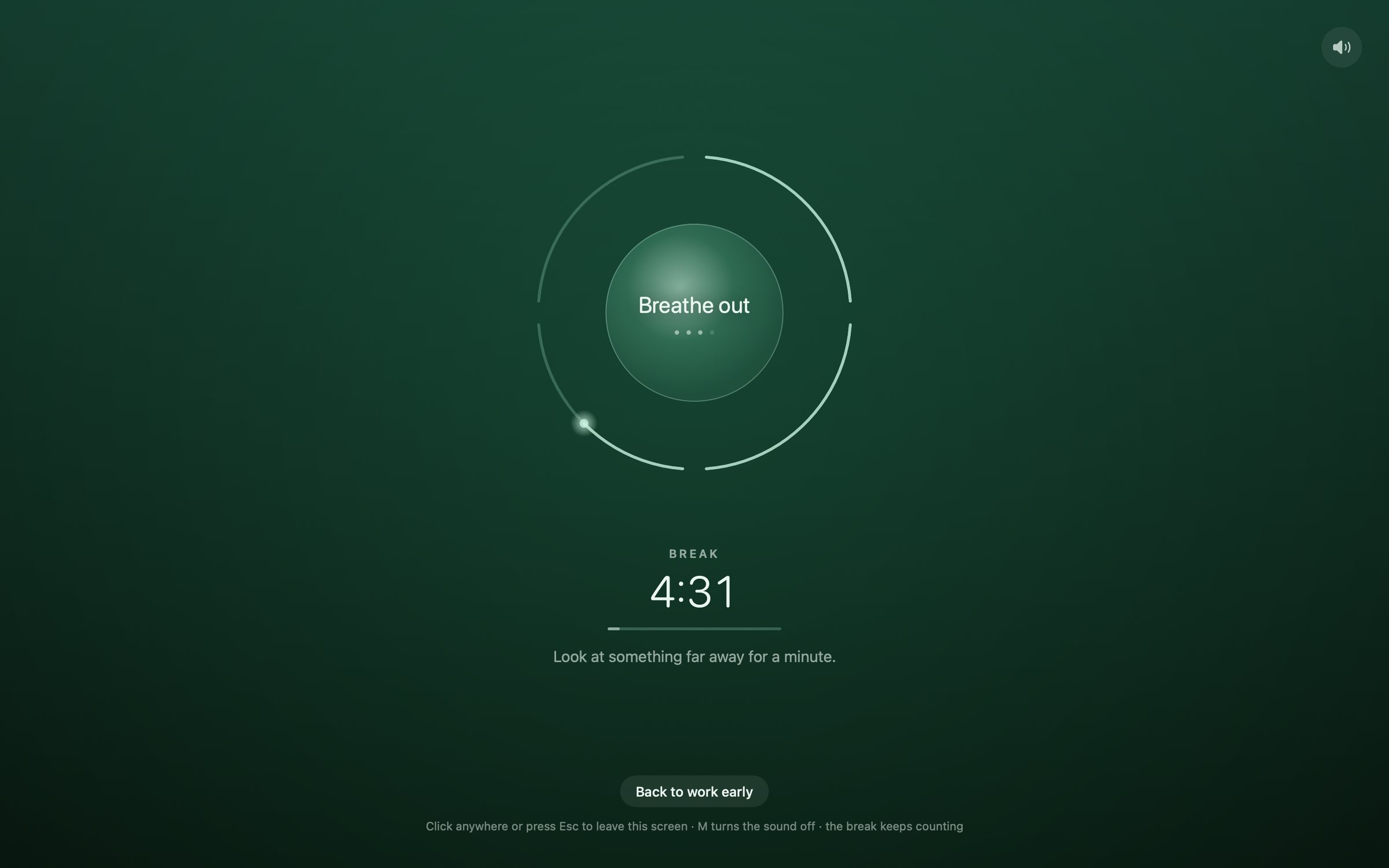
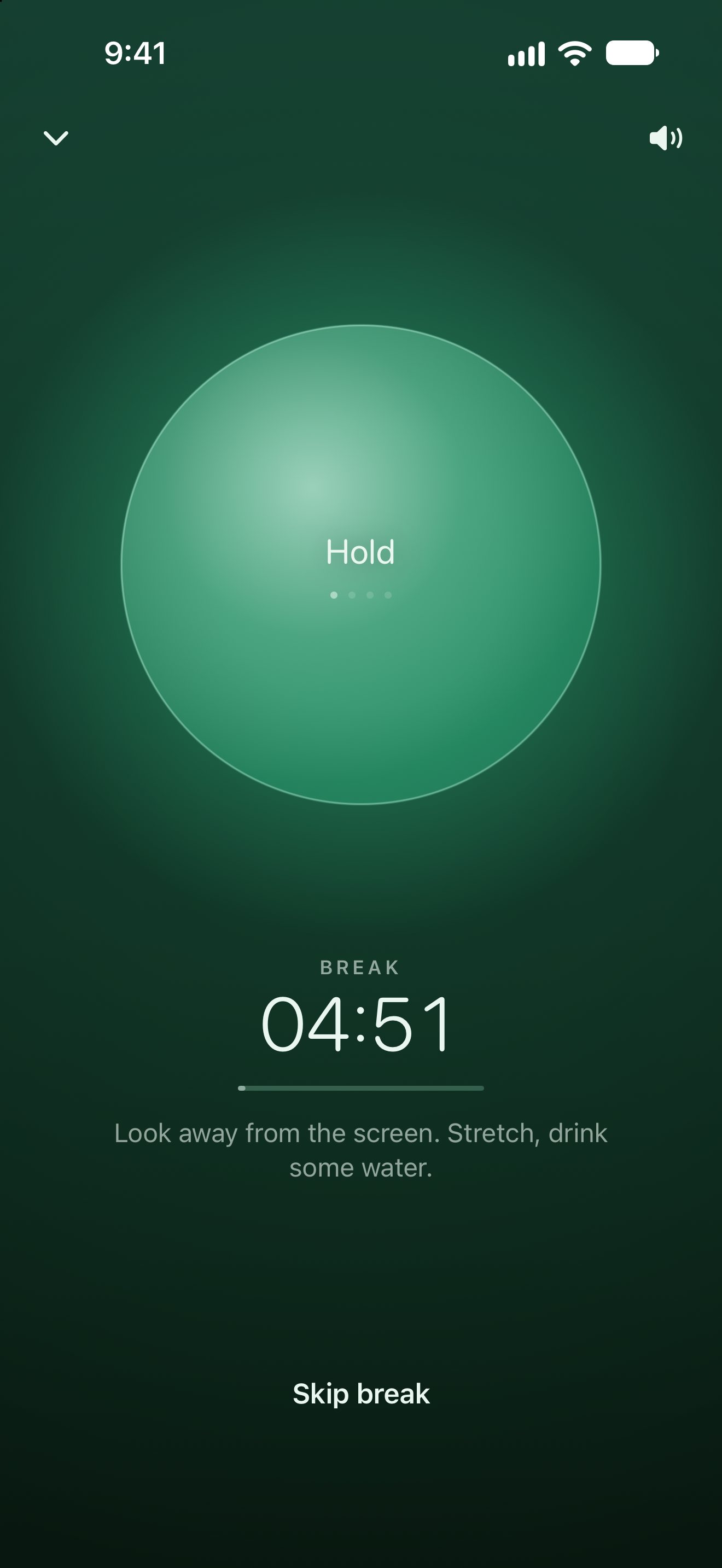
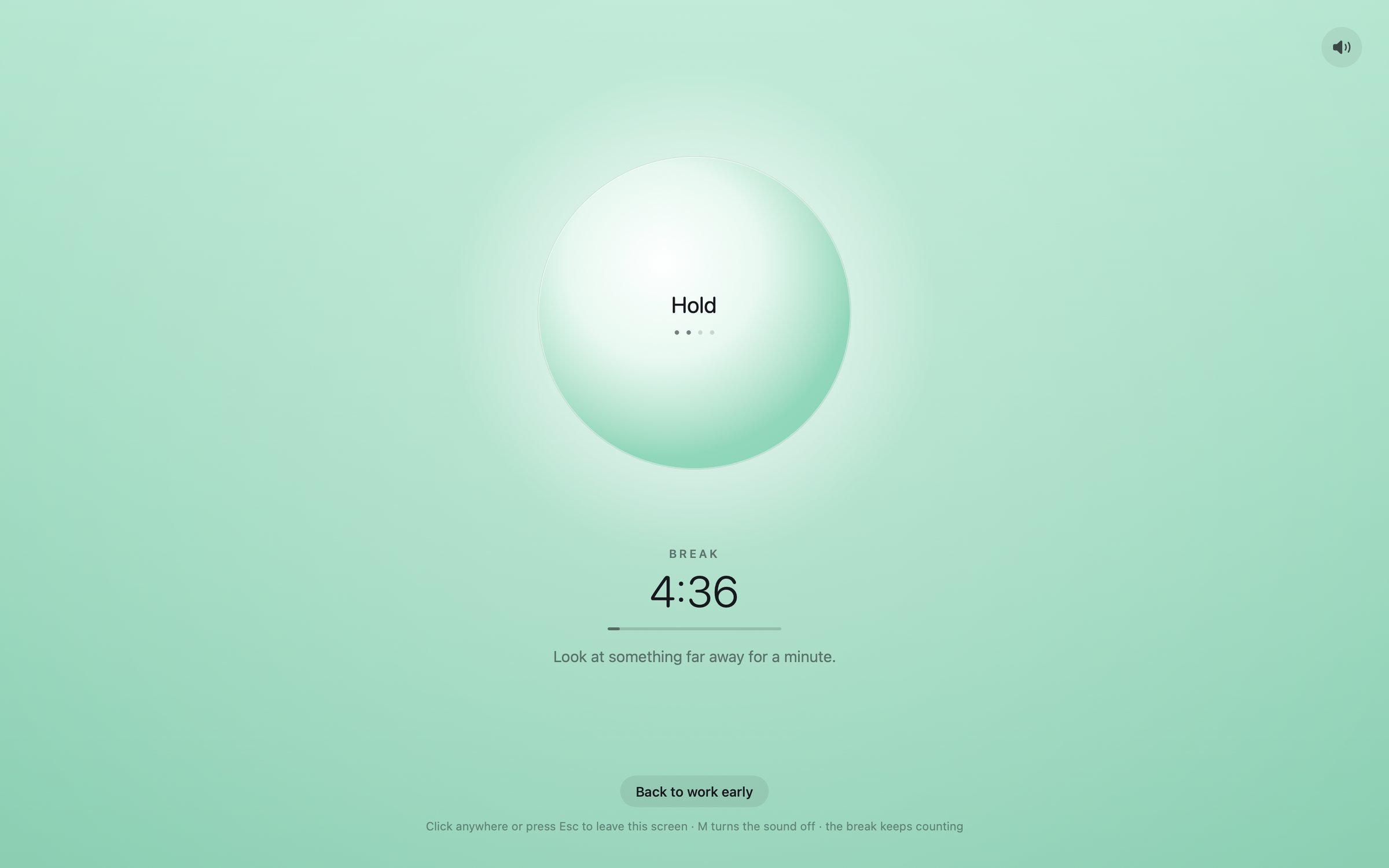
When focus ends, a calm scene fills the screen: dandelions, rain on glass, tide, fireflies.
-
Breathe.
Box breathing: in for four, hold for four, out for four, hold for four.
-
See your time.
Statistics on both devices, and each focus session added to your calendar.
Works on iPhone
and Mac.
Start a Pomodoro on one, and the other follows along through your own iCloud.
iPhone
Pomodoro, Timer and Stopwatch, with the countdown on the lock screen and in the Dynamic Island.
Mac
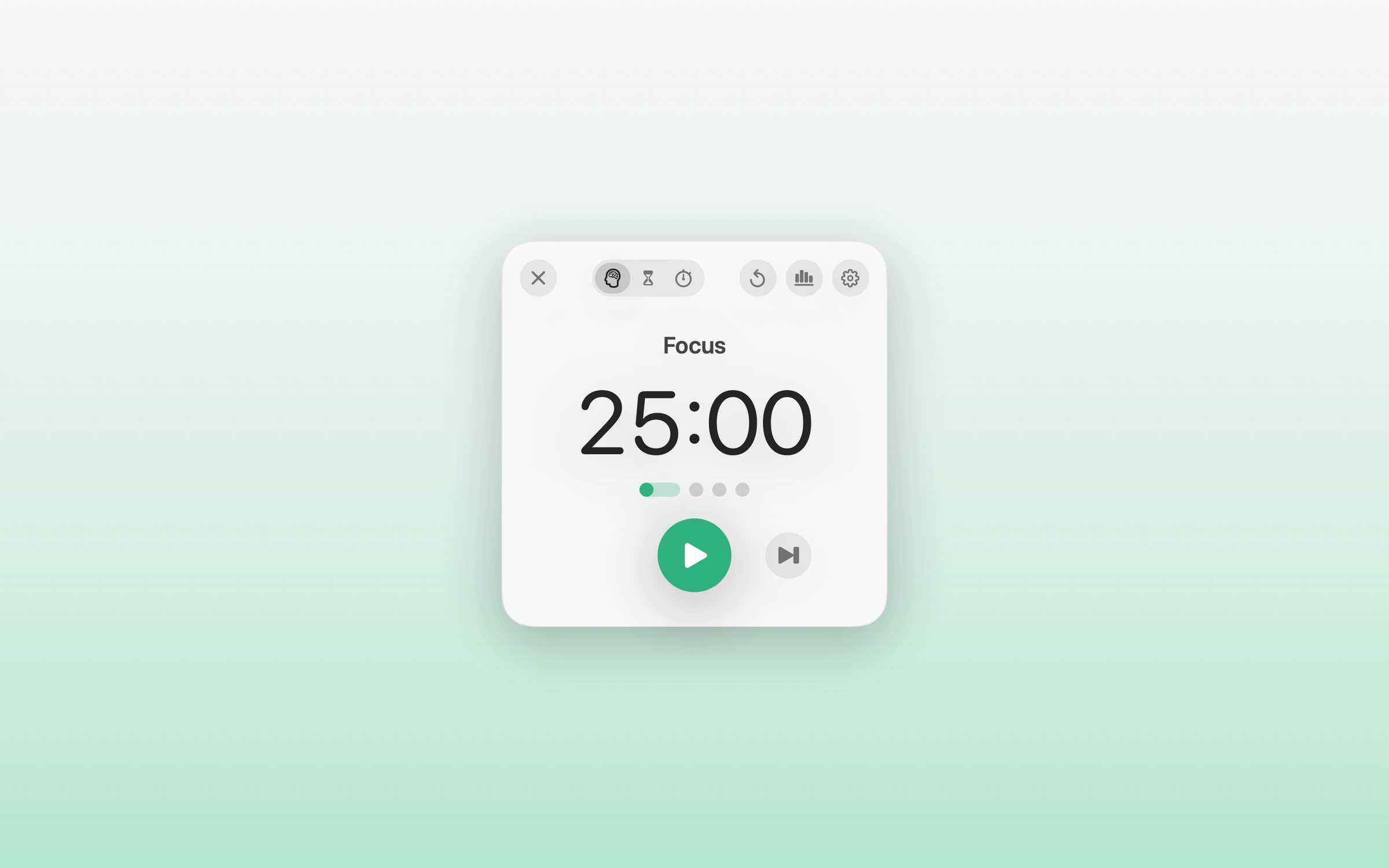
A countdown in the menu bar, a small floating window, and a full-screen break.
Privacy
Your time, your devices.
- Your sessions are kept on your devices and synced through your own iCloud.
- Focus sessions go to your own calendar, only if you allow it.
- No account, no ads, no tracking, no analytics.
Try the beta.
iPhone
Install TestFlight from the App Store first, then tap the button on your iPhone.
Mac
The Mac version is in testing. Ask me if you’d like to try it.
Need help? See Focus Flow support or email hans@hanstullmann.com.